Installing BloodHound Community Edition (CE) on Linux
· One min read

This guide provides quick installation steps for BloodHound CE using Docker on Linux systems. For comprehensive details, consult the official quickstart guide.
This guide provides quick installation steps for BloodHound CE using Docker on Linux systems. For comprehensive details, consult the official quickstart guide.

Security testers need a mixed set of tools. Some in the penetration testing and red teaming community argue that you shouldn't be limited to a specific set of tools. A threat can use anything they desire, right? This is true, but we are not the threat. We are part of the professional security testing community. Security testers shouldn't be limited to a specific set of tools, but downloading and using something randomly found on the internet is risky. A balance is needed. This balance is one way to separate security professionals from those who 'hack stuff.' We need a standard process to control the tools we use that are flexible enough to provide the capability we need with some assurances around the codebase. This can be achieved through a standard attack platform.
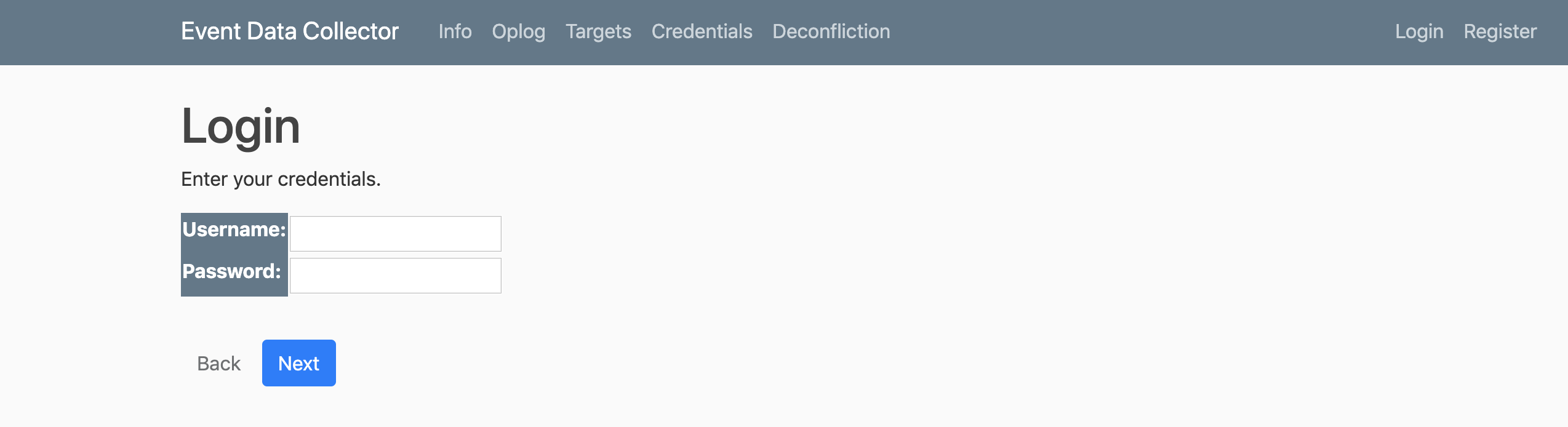
Event Data Collector (EDC) is a very basic django application used to capture data on the fly.
I was recently asked to perform an evaluation of multiple command and control (C2) agents. Rather than spending an exorbitant amount of time (that could be used building a custom C2) on an evaluation, I decided to perform a quick comparison of several popular C2 agents.
This is a short form post resulting from conversations over single line cloning and/or pulling of all organizational repos.

'Pasties' started as a small file used to collect random bits of information and scripts that were common to many individual tests. Most of this is just a consolidation of publicly available information and things that Joe Vest (@joevest), Andrew Chiles (@andrewchiles), Derek Rushing, or myself (@minis_io) have found useful. Over time additional sections, section placeholders, snippets, and links were added for "quick reference" and has grown to quite a sizable markdown file. The more complex or longer sections will be separated into smaller more detailed write-ups; however, we decided to drop the short and generic info for public use now. Pasties data will also eventually be formatted and added to the wiki.
HostEnum (formerly Invoke-HostEnum) has received some much needed attention in recent weeks and a new version is now available on the ThreatExpress Github (formerly https://www.github.com/minisllc). I've renamed the tool to simply HostEnum since it's actually a large collection of enumeration functions which are now individually called by the Invoke-HostEnum wrapper function. It's designed to provide a quick means of generating a comprehensive system profile and I've found it extremely useful for both offensive and defensive perspectives. Recent improvements include a breakout of enumeration functions, a transition from string output to objects for improved formatting and reporting capabilities, new enumeration checks, and addition of privilege escalation checks from @harmj0y's PowerUp.

NOTE: This reference is outdated (version 4). I've learned that this blog still shows up in search engine results.

A twitter post by Casey Smith (@subtee) inspired me to update a tool written by Andrew Chiles (@andrewchiles) and I a few years ago.
During a Red Team engagement, performing detailed Situational Awareness (SA) or enumeration on initial and subsequent host compromises is vital. Every good pen-tester or red teamer has their list of go-to scripts, commands, or "pasties" to run once initial shell access is achieved. The goal is to quickly learn as much about your environment as possible; including defenses, system configuration, interesting files, and opportunities for persistence and lateral movement. Moreover, when working in large and/or distributed teams, a common tool-base and procedure set is crucial to ensure that necessary enumeration is accomplished no matter who's behind the keyboard.